Find your way around the workspace
Know where to review work, configure connections, inspect capabilities, and follow the live bot.
Your project in one place
Open a project from Your bots. Use BOTS SI chat to describe changes and review results. On mobile, a panel may open as a separate view.
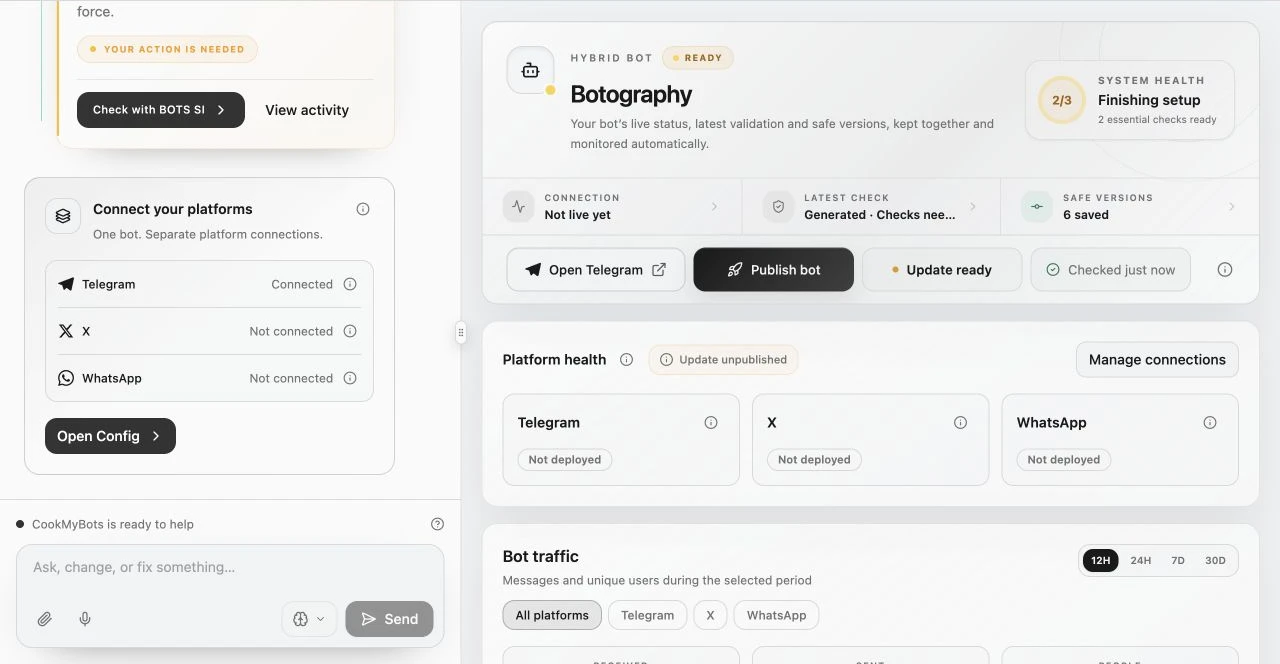
| Area | Use it for |
|---|---|
| Overview | The current project journey, work in progress, and next useful action |
| Code | Inspecting project files and available editing tools |
| Capabilities | Installed source features, requested outcomes, and discoverable abilities |
| Builds | Recorded validation attempts and their results |
| Versions | Saved checkpoints and restoration |
| Deploy | Publishing readiness, runtime health, and hosting controls |
| Activity | Publishing, connection, recovery, and operational events |
| Analytics | Available traffic and runtime observations |
| Config | Platform connections, bot settings, intelligence, and knowledge |
| Billing | The project’s spending and account billing access |
Read the current report
Chat messages describe what was known at the time. Connection and health panels show current reports. Refresh status if an old success and a current warning disagree. Check the project identity when several bots are open.
On mobile, switch between chat and workspace to complete setup or inspect results. If an advanced editing tool is offered separately, follow its link from the workspace. You can continue using chat without manually editing files.